⏳ This skill is pending AI review.
Scores will appear once the review pipeline completes.
claude-real-video
Watch a video for the user. Use when the user shares a video URL (YouTube etc.) or local video file and wants it summarized, analyzed, or discussed — Claude can't ingest video directly, so this skill extracts scene-aware keyframes + transcript first, then reads those.
Choose how to use this skill
You do not need every option. Choose the path your AI client supports. The stable page stays the same; versioned files are immutable.
1. Native installer
This listing has no registered native installer command. Use the complete package or source fallback below, depending on what your client supports.
Do not guess an installer command or replace an existing version without reviewing the diff.
2. Complete package recommended
Download the ZIP when available. It includes SKILL.md plus the references, security notes and version metadata.
No complete ProSkills package is published for this listing yet.3. Prompt-only
Copy the prompt above when the agent can read the stable page or when you want to adopt the workflow without installing a skill.
Need only the instruction file?
Download SKILL.md only if your client requires a single file. The complete ZIP is safer for a full installation because it preserves the references and release context.
No path installs or executes anything by itself. Your agent still needs access to the project files. Before updating, compare the installed version and review the diff.
// RATINGS
Not yet listed on ClawHub or SkillsMP
// README
claude-real-video



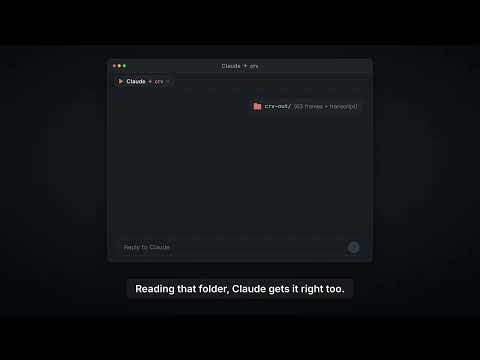
▶ 100-second demo: ChatGPT and Gemini can watch video, Claude can't. Here's what Claude answers once crv turns the video into frames plus a timestamped transcript.

▶ The 60-second pixel film — sound on (mp4 on GitHub) · an AI agent searches "how can an LLM truly understand video?", finds a key, and unlocks vision.
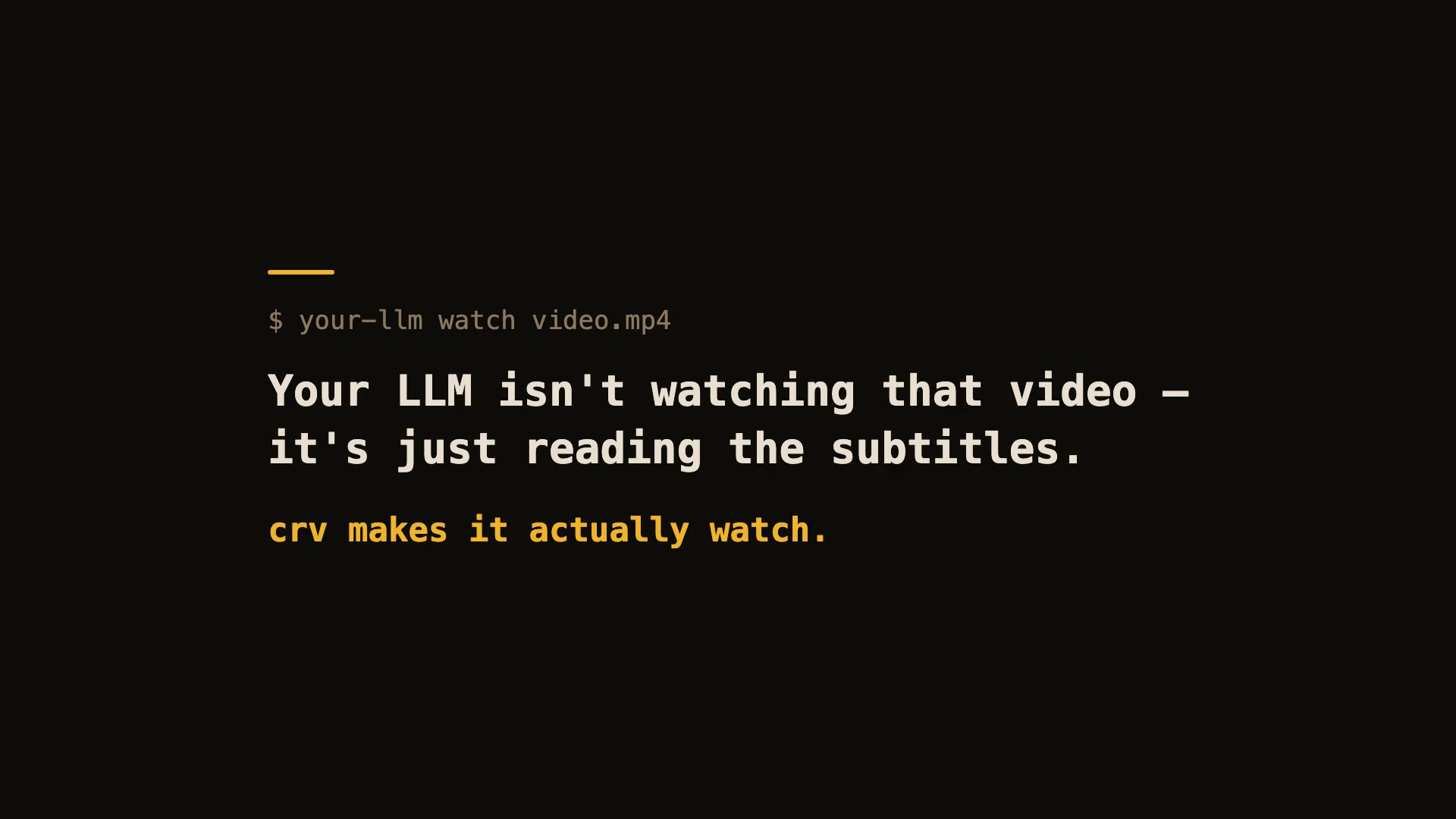
60-second real demo — real install, real run, real viewer.
Let Claude — or any LLM — actually watch a video.
pip install "claude-real-video[whisper]"
npx skills add HUANGCHIHHUNGLeo/claude-real-video   # one command, installs the skill into Claude Code, Cursor, Codex, Copilot, Gemini CLI & 50+ agent hosts
Claude Code plugin marketplace (enable auto-update in /plugin → Marketplaces if you want it):
/plugin marketplace add HUANGCHIHHUNGLeo/claude-real-video
/plugin install claude-real-video@claude-real-video
Then paste a video link into your agent and ask about it. (CLI-only use? crv "<url>" works with just the pip install.)
Naming: crv is the short name for claude-real-video (the PyPI package). The paid add-on, crv Pro, is sold on Capafy under the listing name "llm-real-video Pro".
▶ New: the 40-second film — my AI agent learned to watch videos (and stopped working)
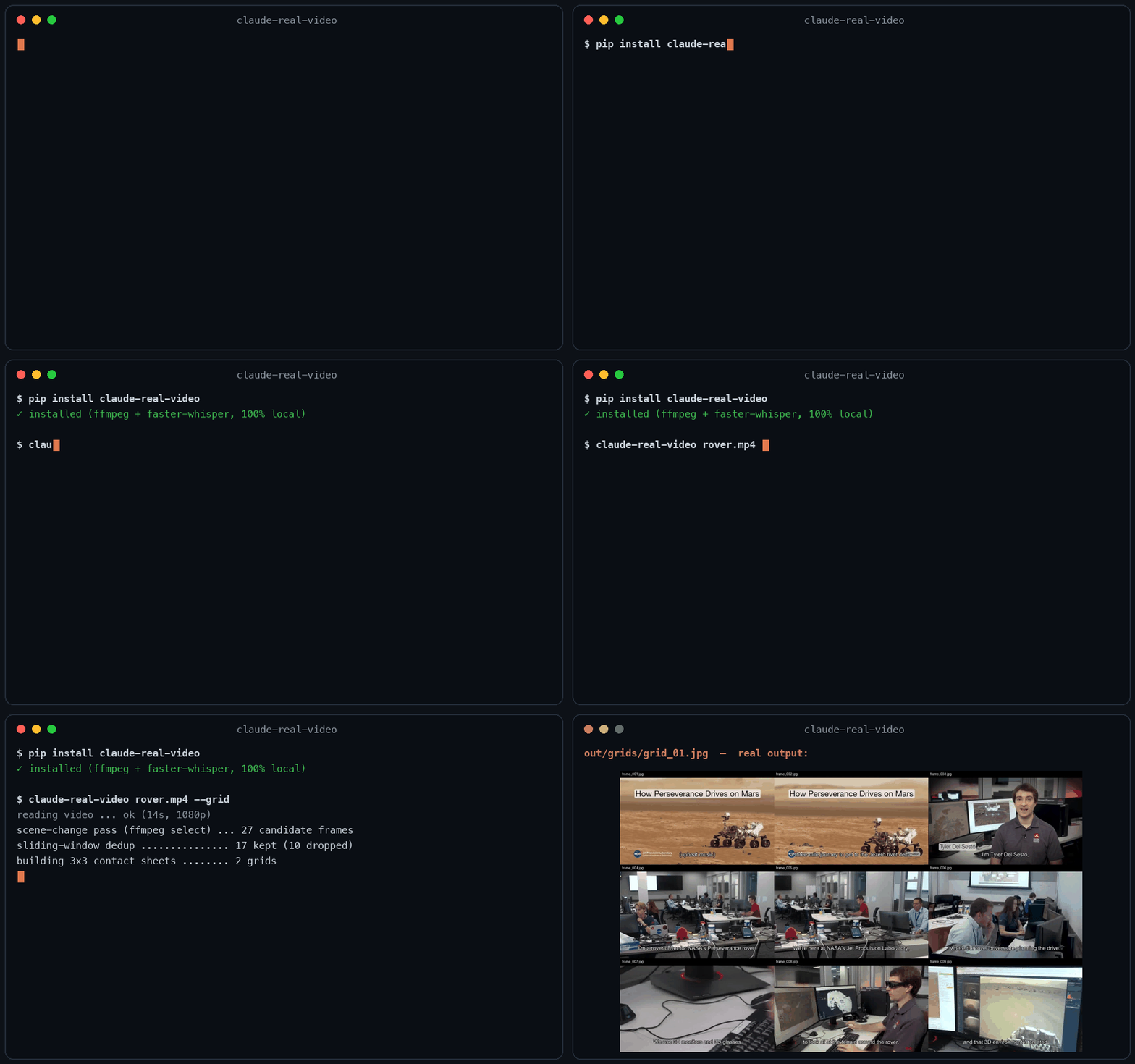
Same 58-second clip: fixed 1 fps sampling = 58 frames. crv keeps the 26 that actually differ — and
--gridpacks them into 3 contact sheets. Fewer tokens, nothing missed.
This free version lets your AI see the video. crv Pro lets it understand it — how it was shot (cut rhythm, camera moves) plus a timestamped timeline of what frames can't show: gestures, expressions, voice pitch shifts, emotion, sound events. One-time price $29 — get it on Capafy or buy with card via Lemon Squeezy.
On Codex CLI? Real Video for Codex is a self-contained build for it. You ask Codex about a video, it runs one command, then reads a
SUMMARY.mdwith chapters, a timecoded transcript and the text that was on screen, which this free edition leaves out. So it can quote the config block on the slide at 12:40, not only what the speaker said about it, and it answers you inhh:mm:ss. Download, frames, transcription and text recognition all run on your machine, and the tool itself needs no API key and no account. Ships with the Codex skill and acrv-easy doctorself-check. Python 3.10 to 3.14, macOS or Windows 11 native. One-time $9.90: get it on Capafy or buy with card via Lemon Squeezy.
Most AI tools don't really see a video. Paste a YouTube link into ChatGPT and it reads the transcript, not the picture. Claude won't take a video file at all. Even Gemini, which can read video natively, has to send it up to Google and samples frames at a fixed interval (1 fps by default), so fast cuts slip past.
claude-real-video does it differently, and the processing runs locally: point it at a URL or a
file, and it pulls the frames that actually matter (every scene change, not a
fixed quota), throws away the near-duplicates, transcribes the audio, and hands
you a clean folder any LLM can read. All the processing happens on your own machine — what gets sent anywhere is only the frames/text you choose to paste into an LLM afterwards.
crv "https://www.youtube.com/watch?v=..."
# → crv-out/frames/*.jpg  +  frames.json (per-frame timestamps)  +  transcript.txt/.json  +  MANIFEST.txt
Then drop the frames + MANIFEST.txt into Claude / ChatGPT / Gemini and ask away.
No terminal needed — run crv-web and a local page opens (Traditional Chinese / Simplified Chinese / English): paste a YouTube or Reels link or a file path, click Analyze, open the result viewer. Video analysis and output generation run on your machine — the source video never gets uploaded. (If you then paste the extracted frames or transcript into a cloud LLM, that data goes to that provider.)
Want to eyeball what the model will see first? Add --viewer — it writes a local viewer.html (video + keyframe grid + transcript) you can double-click open. No network, no extra installs.
Only part of a video matters (a 10-minute screen share inside a 90-minute call): --from 28:00 --to 43:00. ffmpeg seeks instead of decoding the whole file, Whisper only hears the window, and the frame budget is spent inside it — but every timestamp crv reports is still a source timecode you can quote to a colleague.
The meaning is small text (a terminal, a spreadsheet, an IDE): --frame-width 1600. Frame selection is the hard part and crv already does it; at 640px on a 1920-wide screen recording the right moment gets found and then the detail that made it worth finding is thrown away.
Slow-changing content (animation tutorials, gradual morphs, slow pans): add --adaptive — frames are picked against their rolling neighbourhood instead of a fixed threshold, so a 2-3s squash-and-stretch that never spikes any single frame still gets captured.
Text-heavy content (lecture slides, screen recordings, talking-head explainers): add --text-anchors — extra frames are forced at subtitle-cue timestamps, so each spoken segment gets a matching visual even when the scene barely changes. Needs a sidecar .srt/.vtt or an embedded subtitle track — captions burned into the pixels can't be detected. At most one forced frame per second; scene detection is untouched.
Multi-speaker content (interviews, podcasts, meetings): add --speakers — every transcript line gets a speaker label ([SPEAKER_00], [SPEAKER_01], …) so the model can follow who said what. Runs a local diarization model (45 MB, downloads once, no account or token needed). Install with pip install "claude-real-video[speakers]".
Not doing LLM work? It also works as a general-purpose video keyframe extractor — scene-change detection + dedup, no ML models to download.
Using Claude Code — or any coding agent? One command installs the skill (works with Claude Code, Cursor, Codex, Copilot, Gemini CLI and other agentskills.io-compatible hosts):
pip install "claude-real-video[whisper]"
npx skills add HUANGCHIHHUNGLeo/claude-real-video
Then just paste a video link into your agent and ask about it.
// HOW IT'S BUILT
KEY FILES